Presentation Management System (PMS)
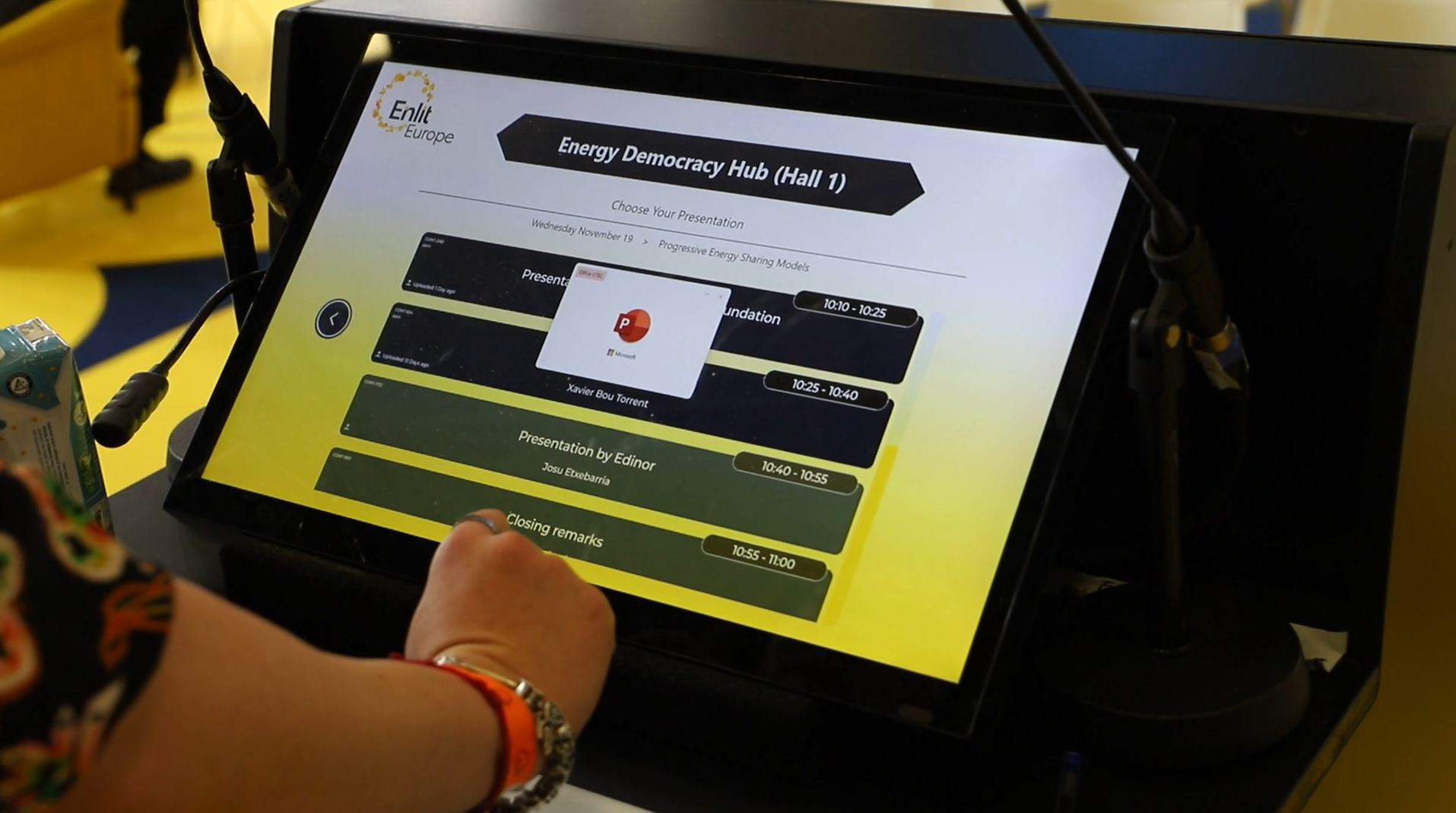
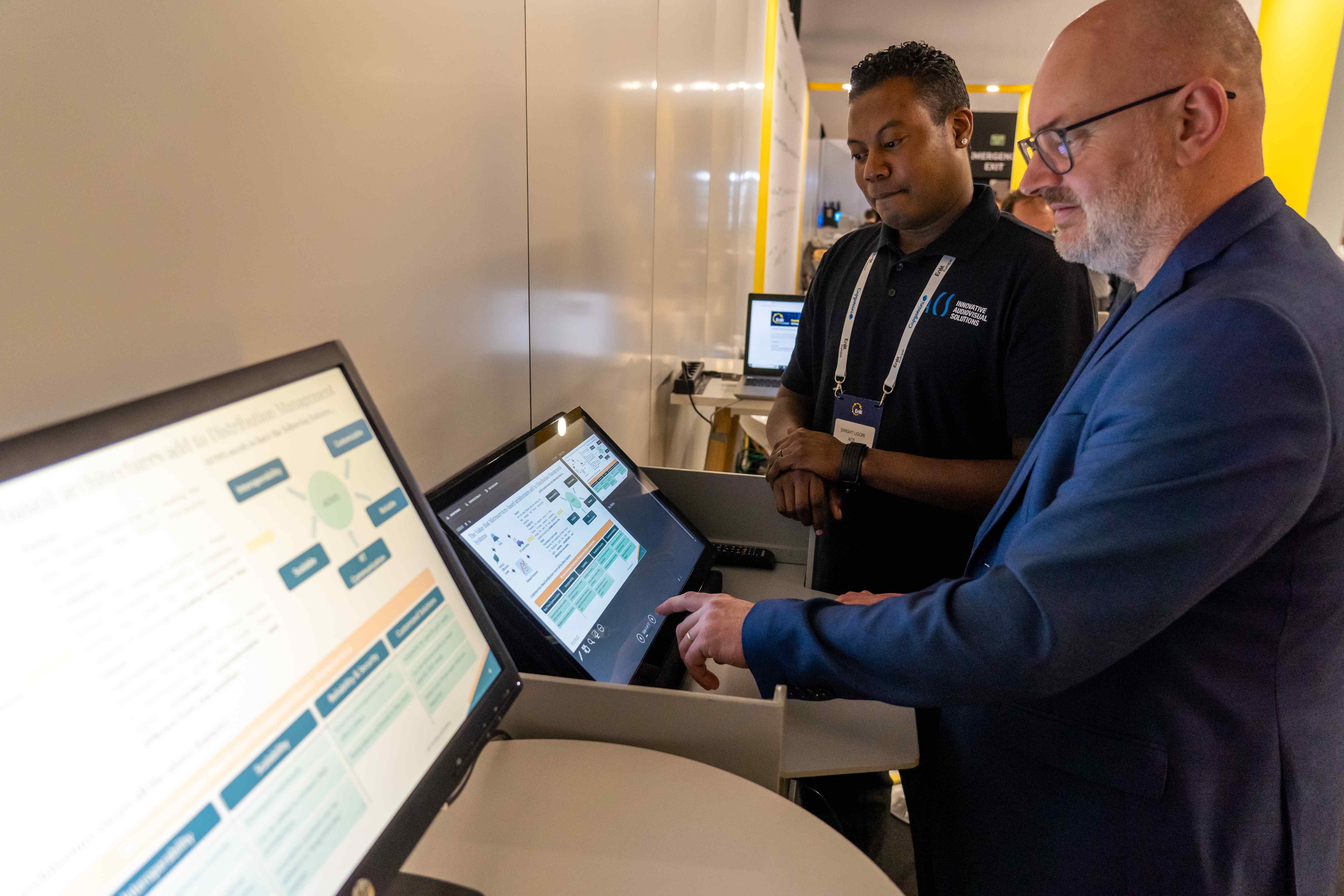
ePresenter (Presentation Management System)
Our Presentation Management System streamlines the full speaker workflow before and during an event.
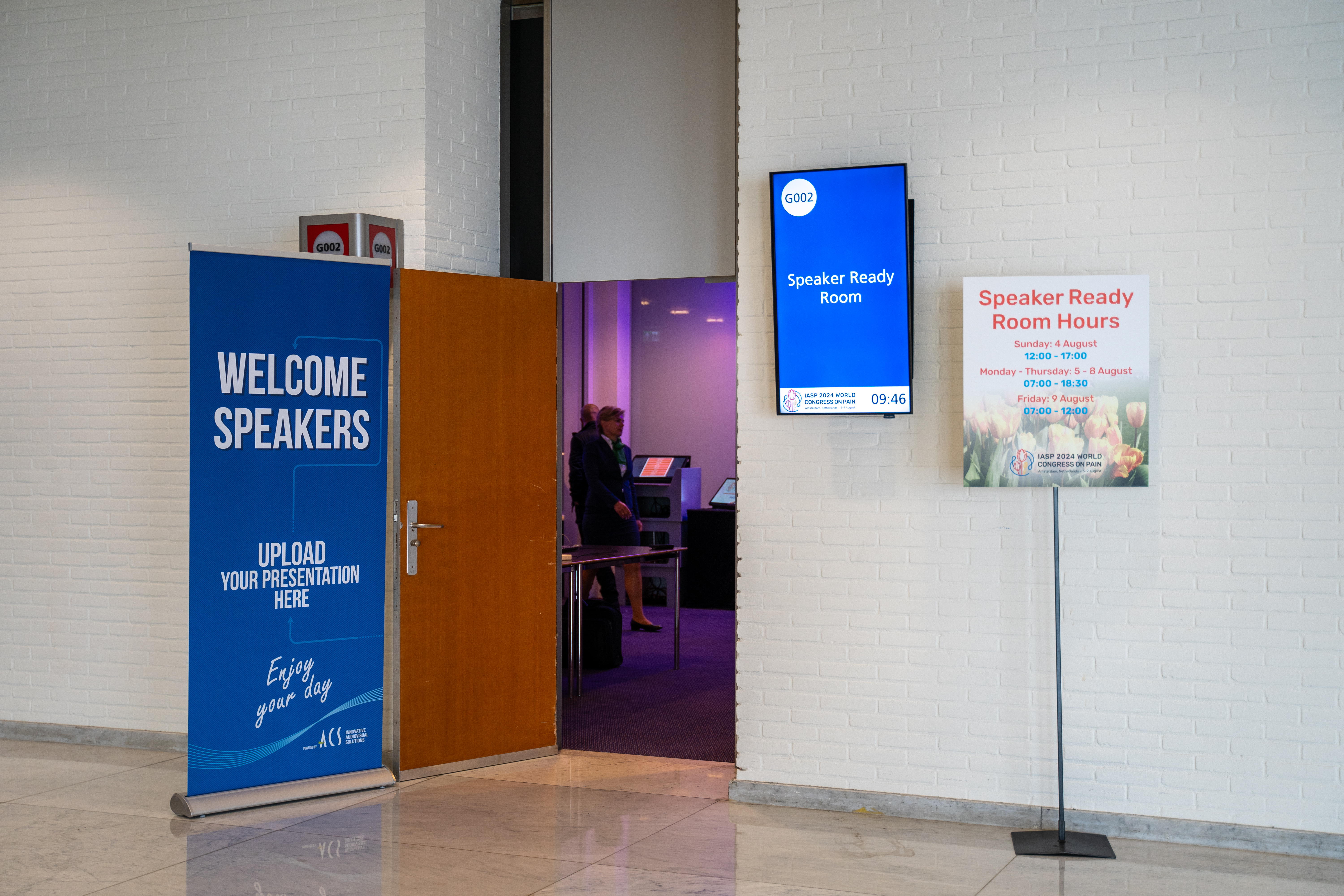
Speakers upload in advance; last-minute changes are handled onsite at the Speaker Service Center. During the event, presentations are automatically delivered to the correct rooms.
A backup ePresenter can be added on request to ensure continuity in the unlikely event of a malfunction.
- Centralized upload and management
- Automated distribution to session rooms
- Onsite speaker support
- Increased reliability and show control
Room info
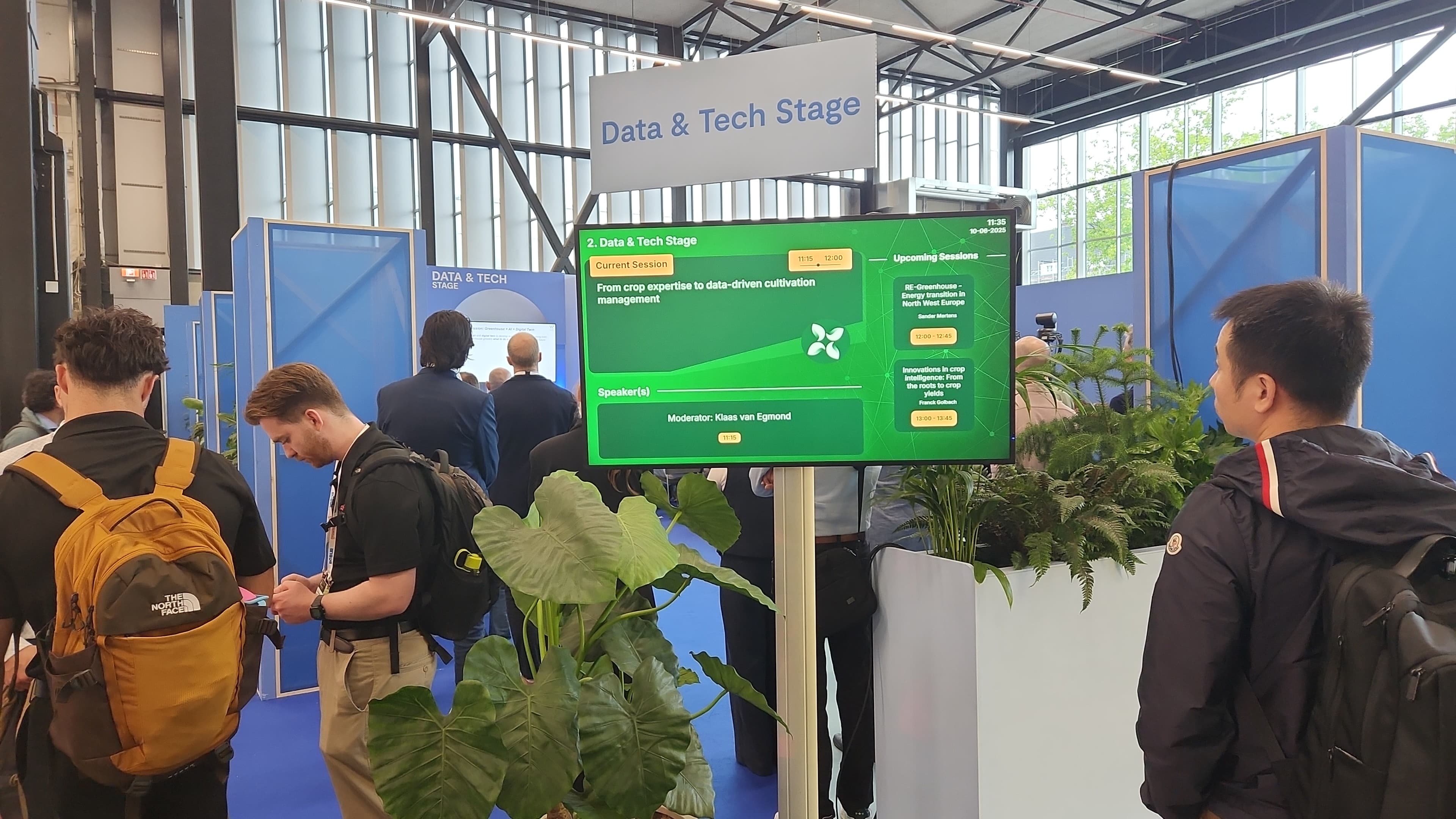
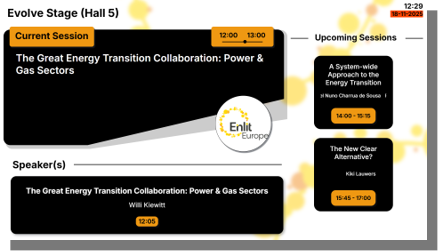
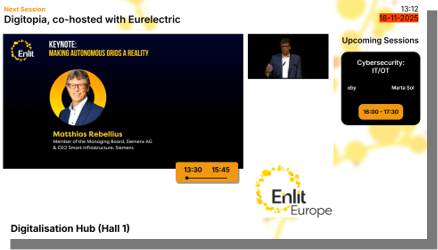
RoomInfo & Upcoming Room Displays
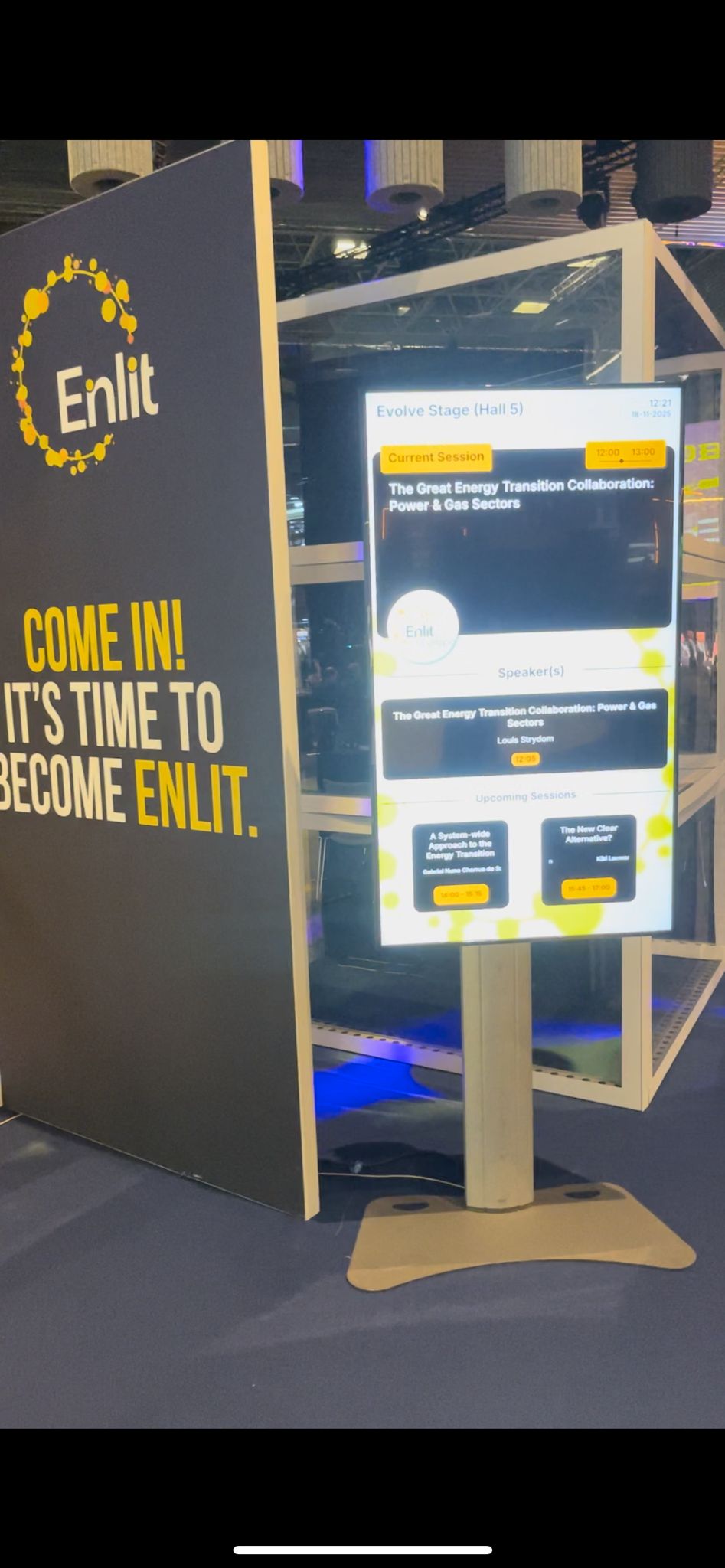
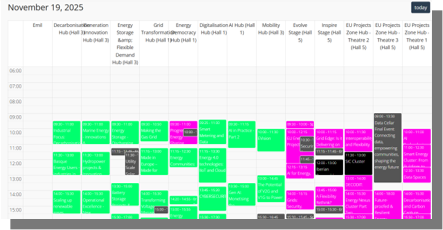
RoomInfo displays provide real-time program information at and inside session rooms. Visitors instantly see what is live now and what is next.
all data syncs with the event program for accurate, live updates.
- Live session information per room
- Automatic schedule synchronization
- Clear orientation for visitors
- Improved flow and audience experience
Overflow viewing
When a session room is full, we can redirect attendees to overflow areas outside the room or to another available room.
The content stays live, so visitors still follow the session without missing key moments.
Signage
Signage Tool (Scheduled Signage Display)
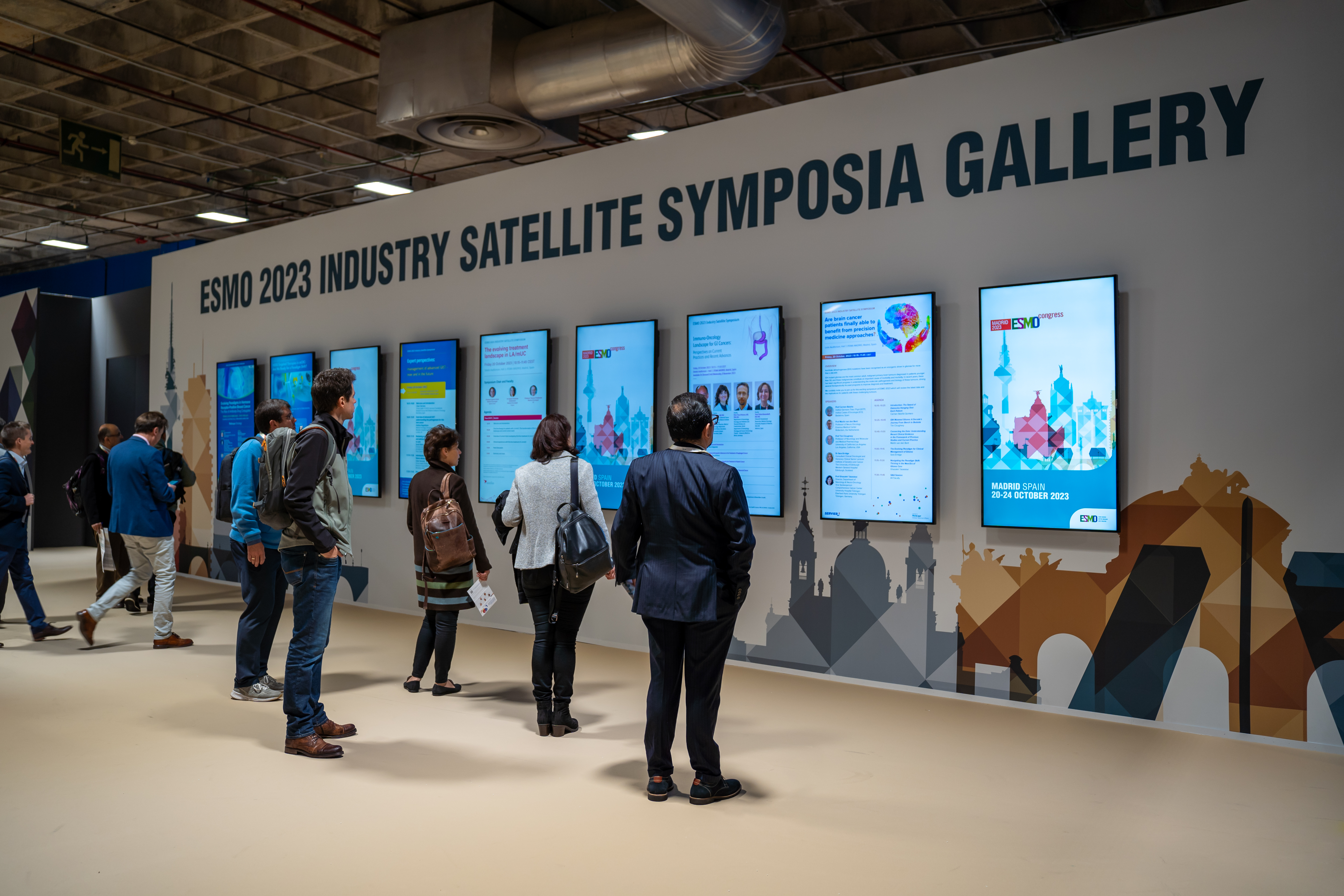
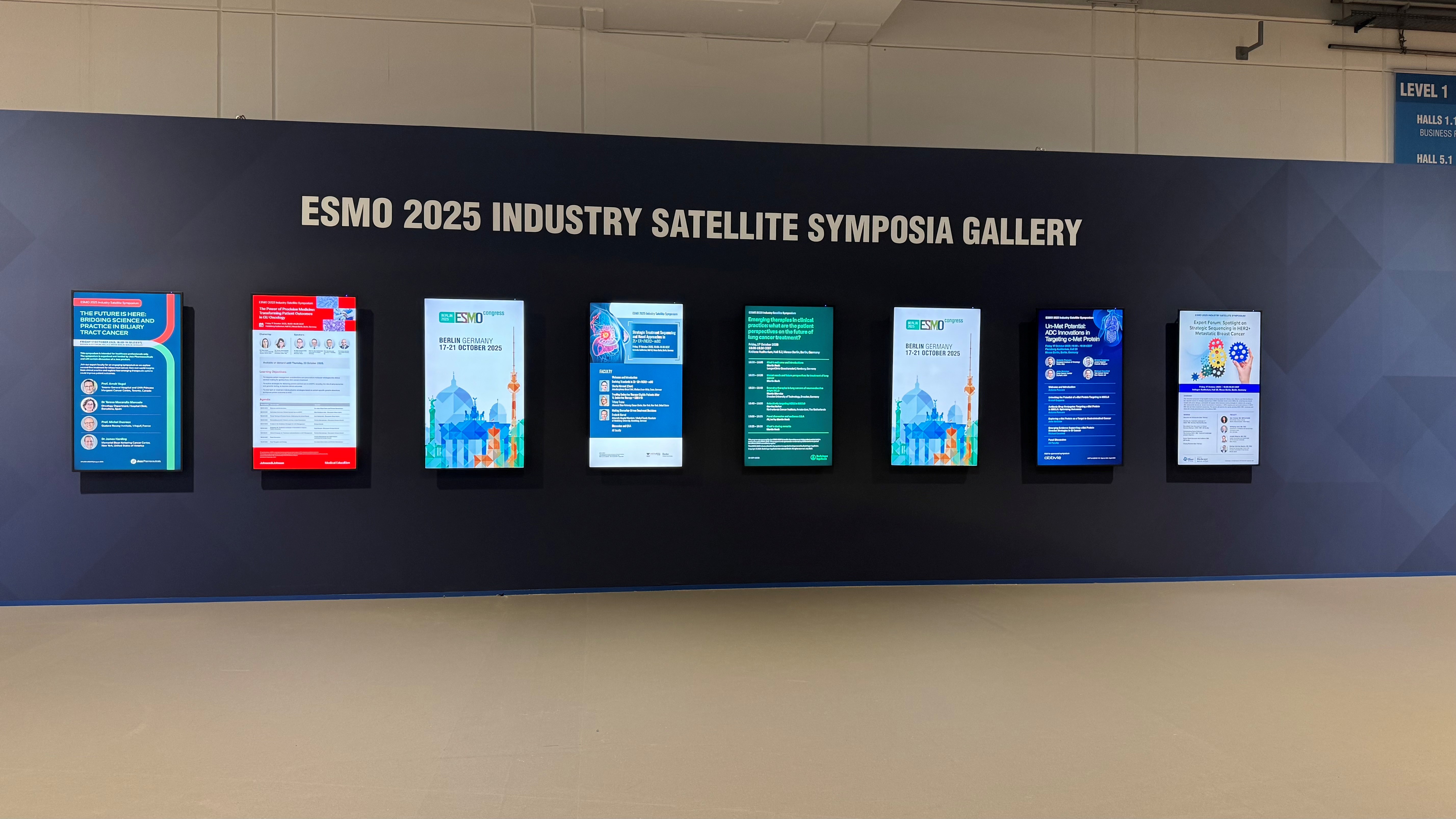
Display dynamic content on screens throughout the venue with fully scheduled, automated playback.
Plan content by time slot and update remotely: sponsor visuals, session announcements, wayfinding, or branded messages.
- Time-based content scheduling
- Remote content management
- Supports images and videos
- Ideal for branding, information, and promotion
Digital Faculty Tables and Digital Lecterns
Digital Chairtables and Lecterns
Do you want to enhance the professional setting at your next congress or business event and create the maximum engagement with your audiences?
Take a look at our Digital Faculty Tables and Digital Lecterns. An effective way to brand your event and introduce your speakers and moderators at the same time.
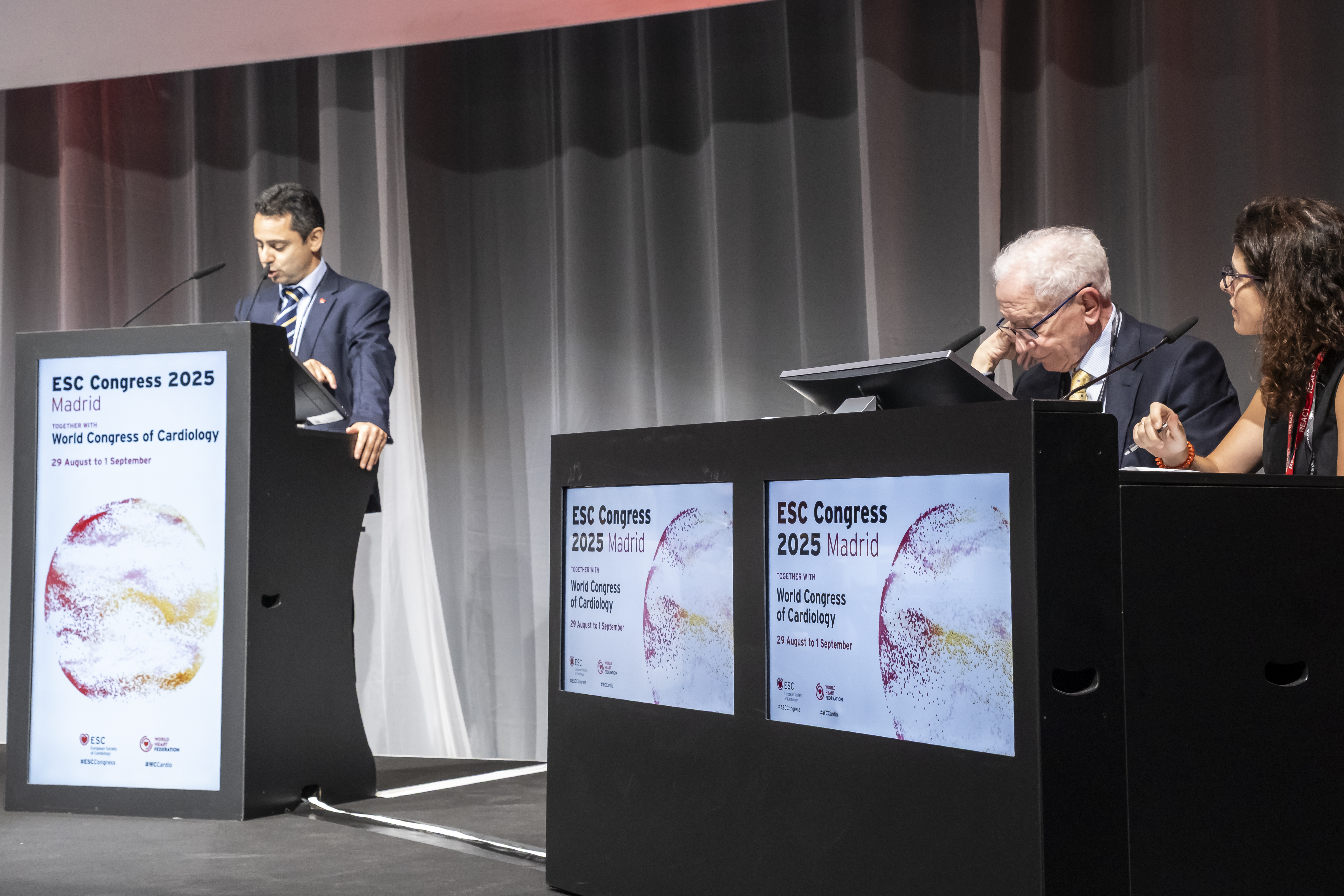
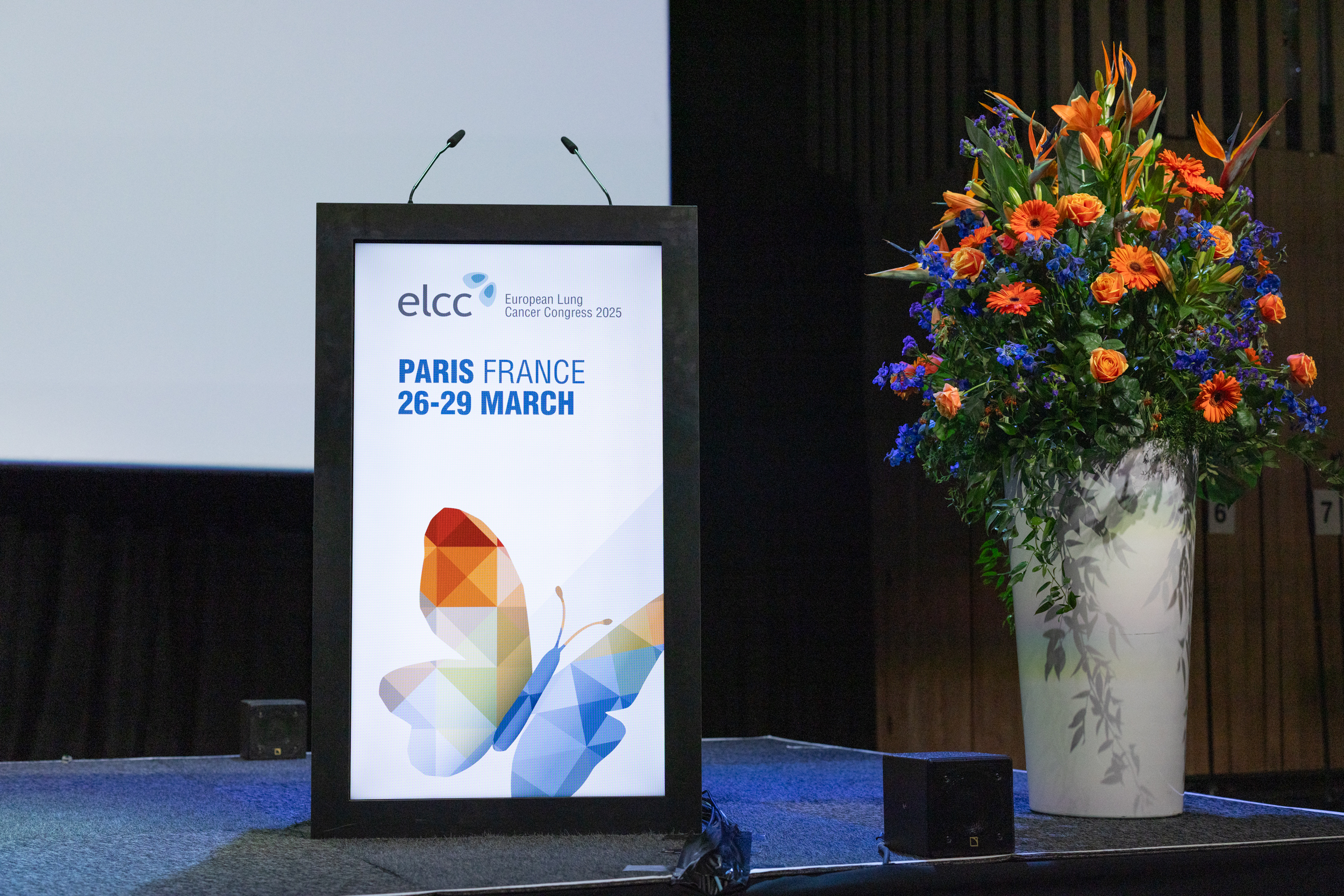
Both the Digital Faculty Tables and Digital Lecterns are an attractively designed pieces of furniture with LED screens built into the front where information can be displayed.
This information can detail each speaker's name and have a still or animated background. The digital information can also be retrieved from the database and used as part of ACS's Presentation Management System.
Session clipping
Real-time & schedule clipping
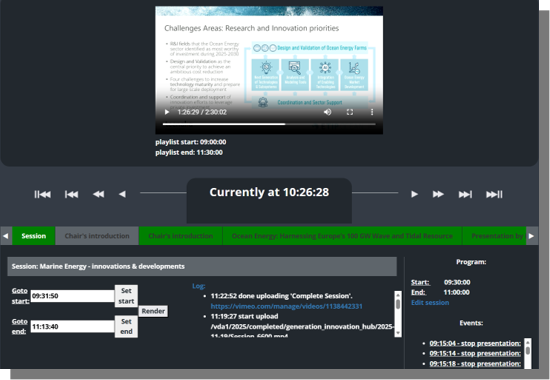
With our clipping tool, we can cut sessions in real time, ensuring the uploaded content includes only relevant moments.
This way we can ensure the customer recieves only the relevant moments for each presentation/session.
Lowerthirds (Speaker Name Graphics)
Automatic on-screen name graphics triggered by ePresenter when a presentation begins.
Perfect for livestreams and congresses, adding a polished broadcast add-in, with only minimal manual operation.
- Automatic speaker name display
- Professional broadcast look
- Works for livestream and in-room video
- No manual triggering required
If you would like more detail for each service, you can look at the IT diensten in our microsoft teams environment.
There you can find guidelines, technical and operational details.